Styles
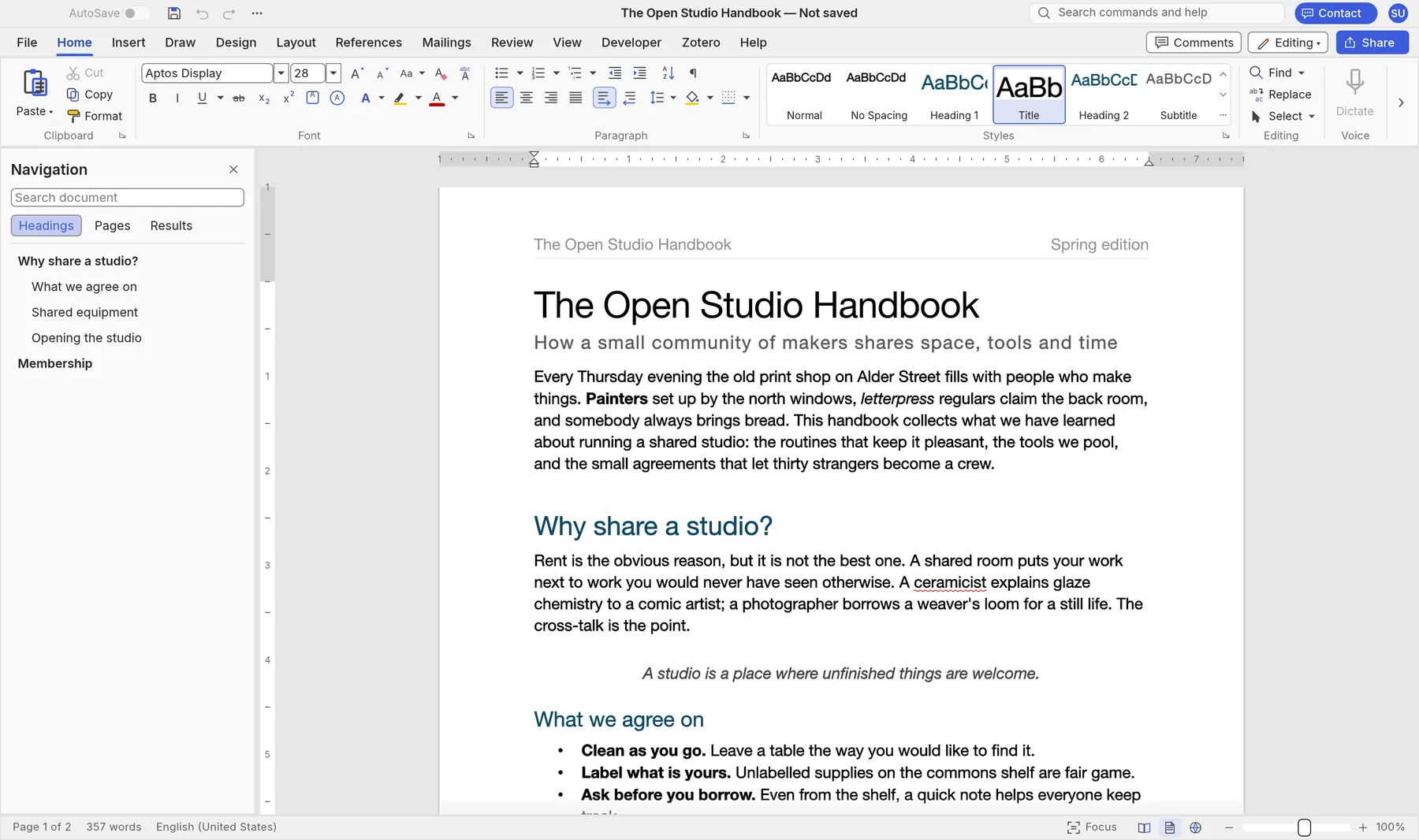
A live styles gallery, a Styles pane and themes, so a whole document changes in one click.

A full word processor that runs in your browser. Styles, tables, track changes, comments, references and mail merge, with the Word files you already use. Or download it for Mac and Windows.
Your documents never leave your computer. Nothing to install.
DOCX is SynDoc's own format, so styles, tables, headers and footers, comments and tracked changes come through and save straight back, ready to open in Word.
Home, Insert, Layout, References, Mailings and Review, laid out the way you already work.
A live styles gallery, a Styles pane and themes, so a whole document changes in one click.
Table styles with banded rows, merged cells, header rows that repeat on every page, and sorting.
Suggestions as you type, a thesaurus and word count, plus AutoCorrect and smart quotes.
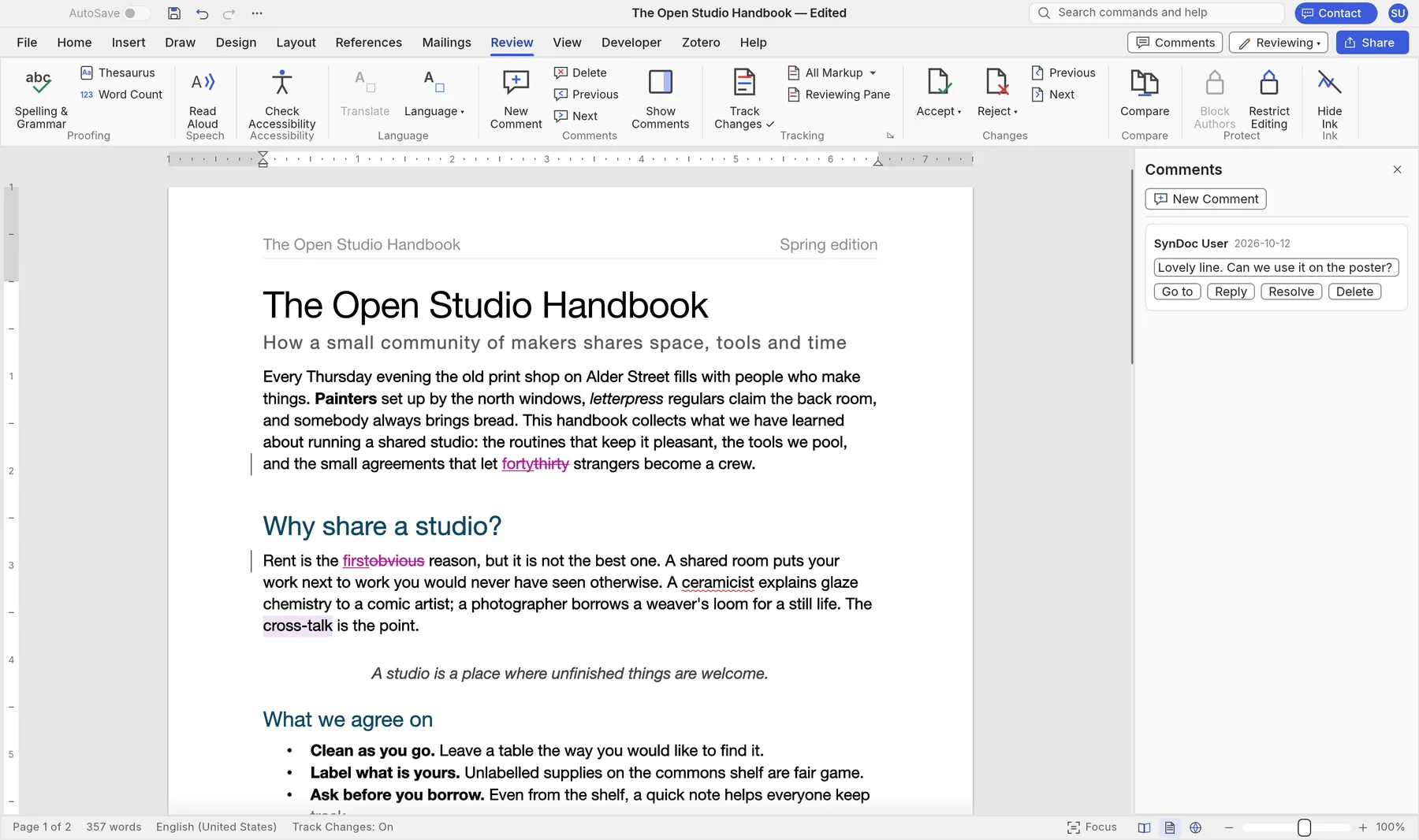
See every insertion and deletion, accept or reject them, and compare two versions of a document.
Comments in the margin or a pane, with replies and resolve, so feedback stays with the text.
Built from your headings and updated in one click, with page numbers and leaders.
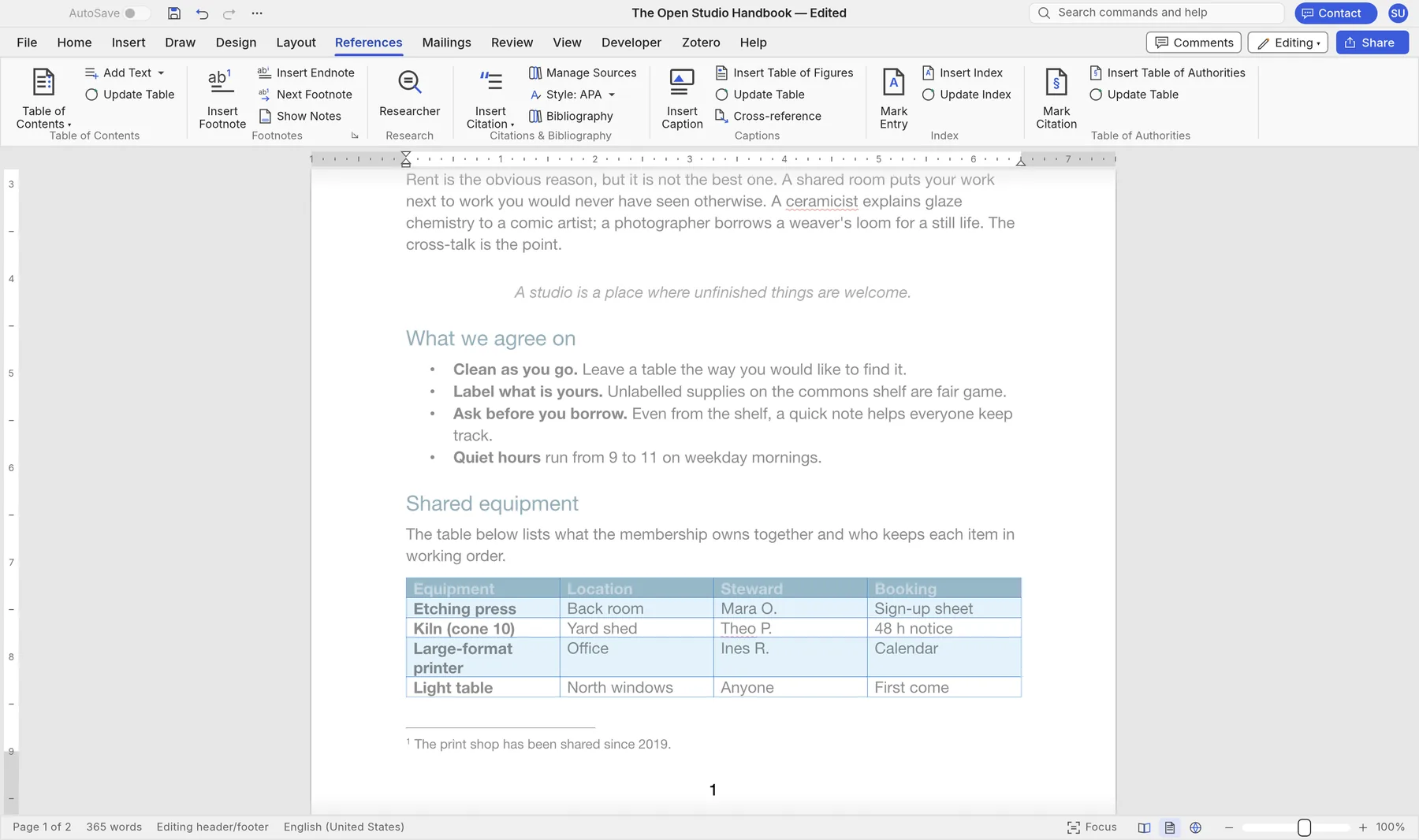
Footnotes, endnotes, captions and a bibliography in APA, MLA, Chicago or IEEE.
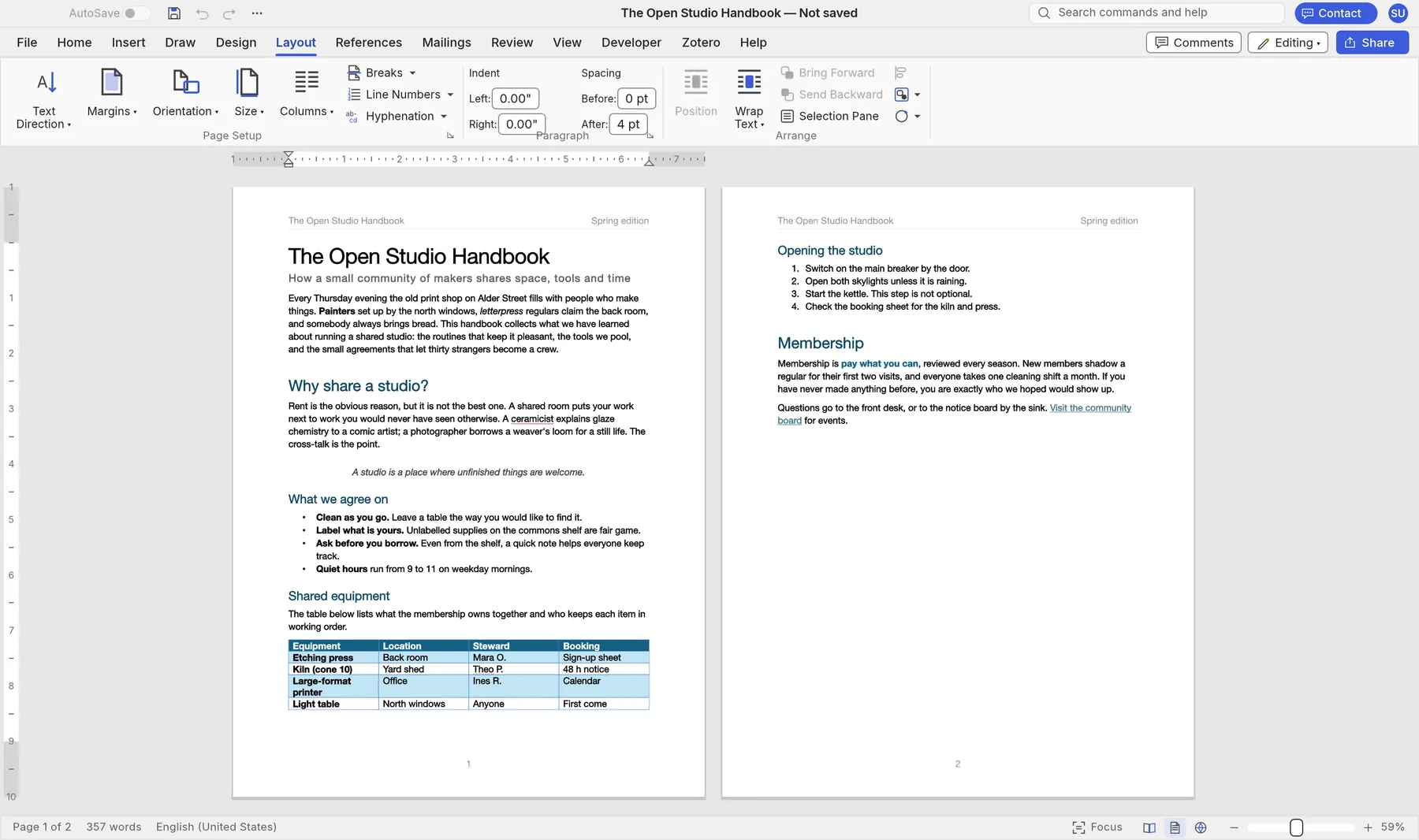
Margins, columns, section breaks, headers and footers, page numbers and watermarks.
Crop and recolour pictures, add shapes and text boxes, and wrap text around them.
Merge letters, envelopes and labels from a CSV list of names and addresses.
Print or export to PDF, and open or save ODT, RTF, HTML, Markdown and plain text.
English, Spanish, Portuguese, German, Chinese, Japanese and more. It follows your system language.
Real SynDoc screens with its sample handbook. Switch between them to see each part of the app.
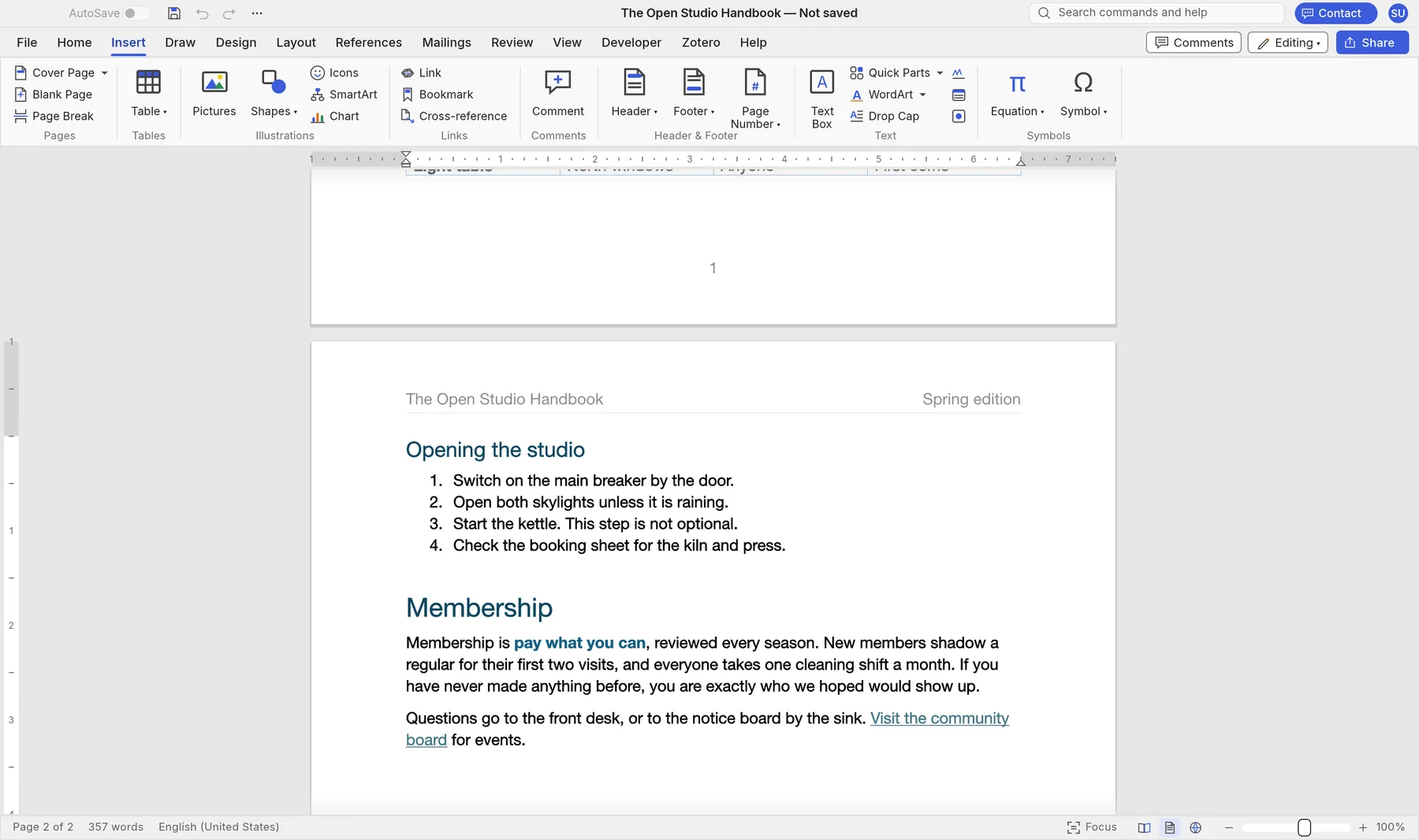
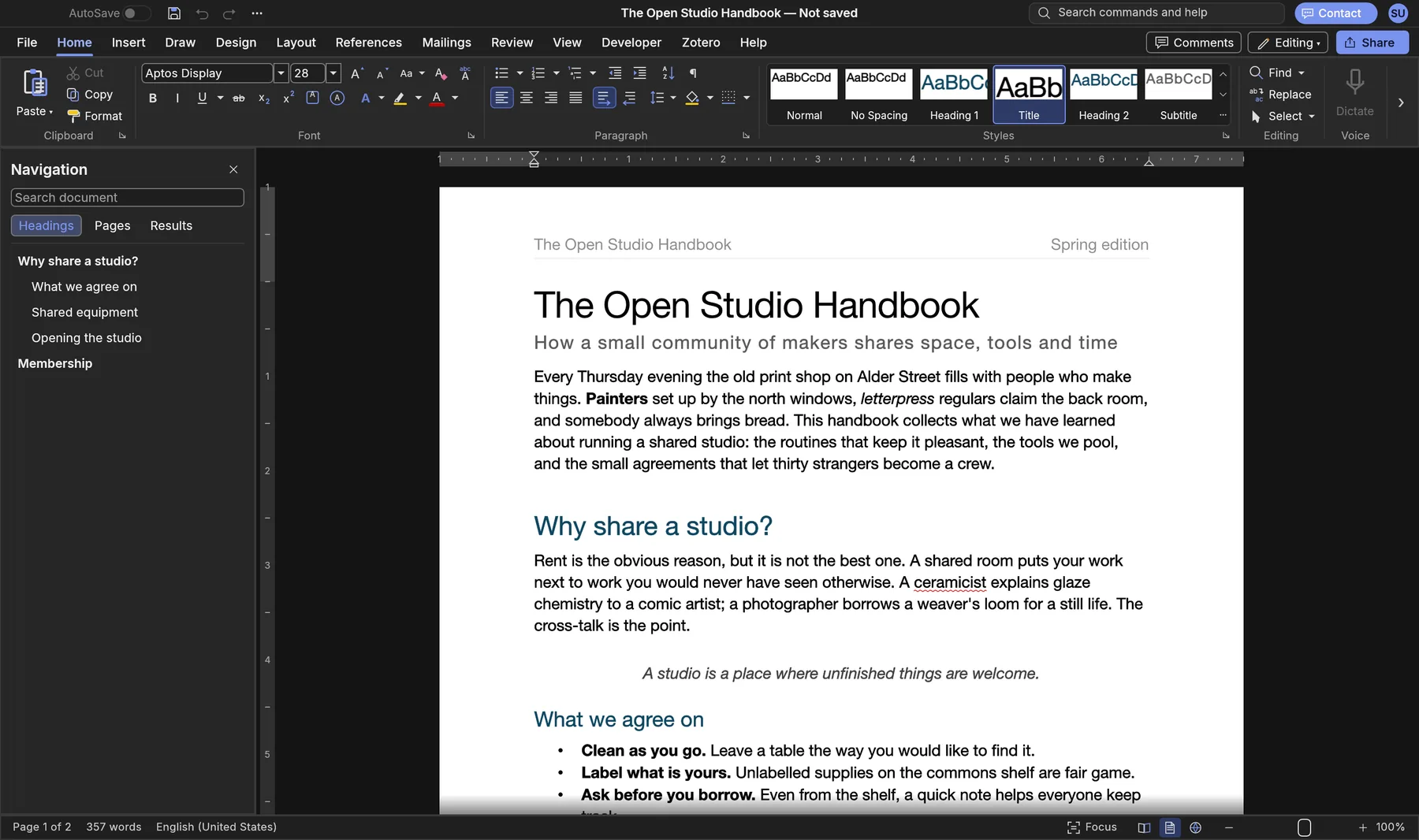
Contracts, CVs, reports and letters stay on your own device. SynDoc opens, edits and saves everything locally, in the browser or in the app.
The online version works on files inside your browser. Nothing is sent to us.
Once it has loaded, SynDoc keeps working without an internet connection.
Nothing to sign up for, no licence server and no telemetry.
DOCX, ODT and PDF in and out, so your work is never locked in.
Version 0.5.0 alpha. Free, with no account. The online version is the quickest way to start.
Yes. SynDoc is free while it's in alpha, with no account and no subscription.
Yes. DOCX documents open and save with their styles, tables, headers and footers, comments and tracked changes, and the files you save open in Word. Older .doc files open too. Charts and SmartArt from Word aren't fully kept yet, so check documents that rely on them.
No. The online version opens files straight from your computer and works on them in the browser. Nothing is sent to Syntera Labs.
Yes. Headings build a table of contents, and footnotes, captions, cross-references and a bibliography in APA, MLA, Chicago or IEEE are all on the References tab.
Chrome or Edge on a recent computer give the best results. For very long documents, use the Mac or Windows app.
SynDoc is new and improving every week. Save your work often and keep a copy of important documents.
Open SynDoc in your browser. It's free, private and nothing to install.
Open SynDoc →